
Notice
Your laptop starts dragging.
Apps take longer to open, clicks lag, the fan gets loud, or the computer starts hanging.
For Windows and Mac
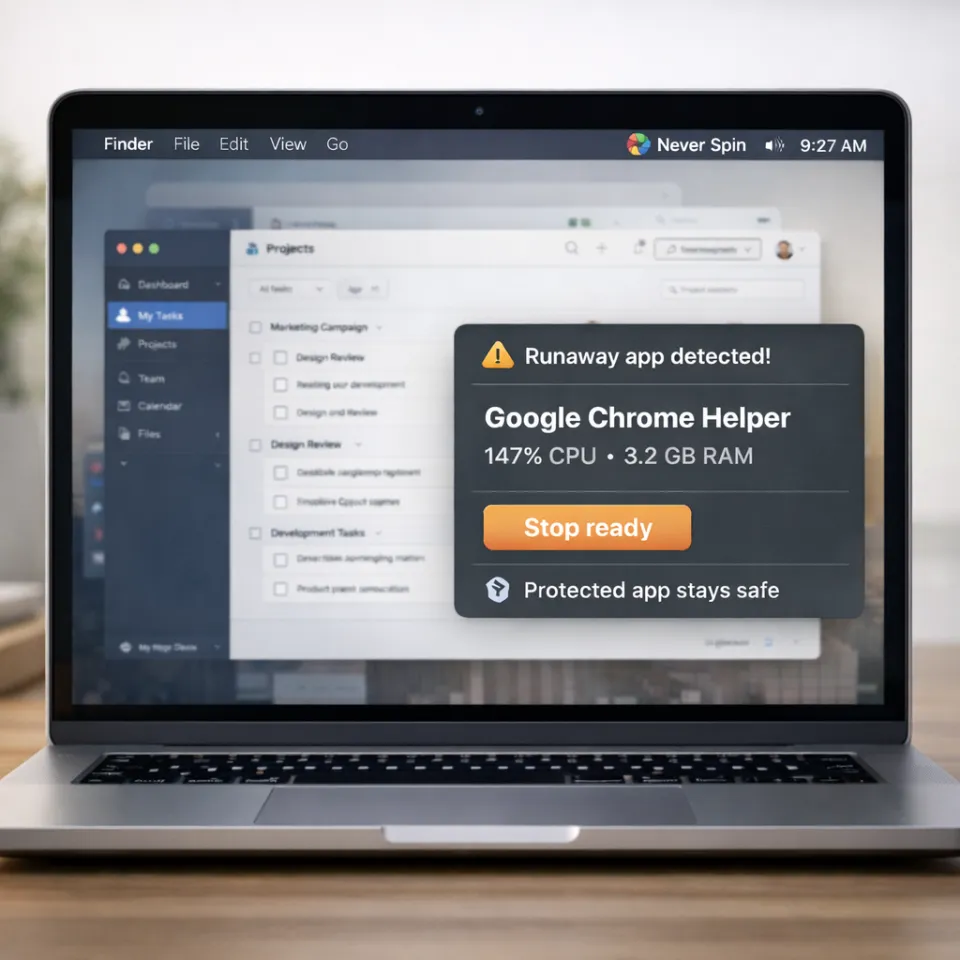
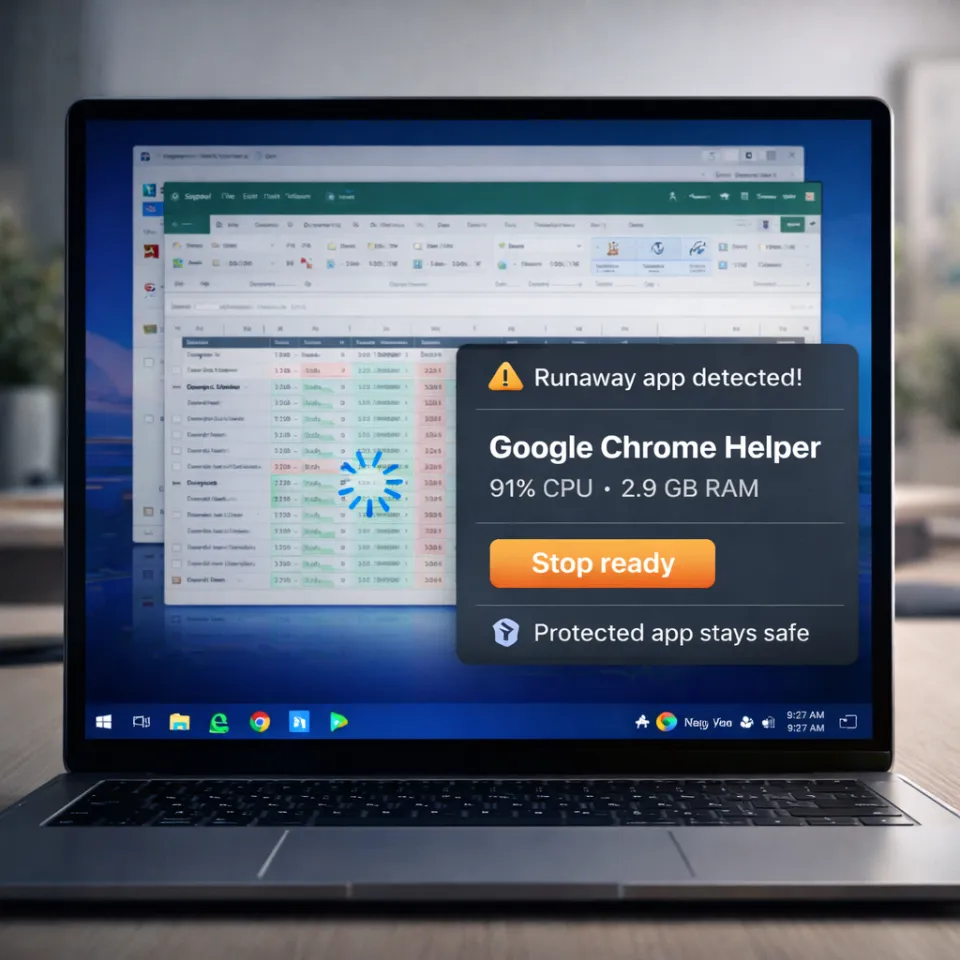
Never Spin watches for apps that keep using too much CPU or memory. It can stop eligible background processes, while protecting your recent apps and browsers.
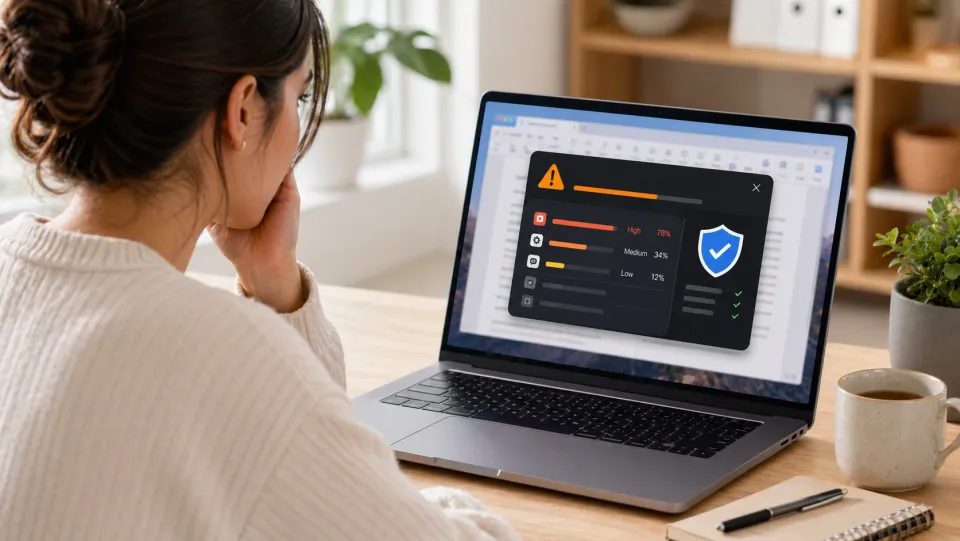
On your desktop
Check CPU and memory use, review protected apps, and see past actions in History.
Notice
Apps take longer to open, clicks lag, the fan gets loud, or the computer starts hanging.
Protect
Your foreground app, recent apps, browsers, and essential system processes are excluded from automatic stops.
Fix
When an eligible background process causes sustained overload, Never Spin can stop it and record the action in History.
Automatic help
A recurring background process is a good fit. Low disk space, internet problems, malware, and failing hardware are not problems Never Spin can fix.
Recognizes when the laptop is truly slowing down, not just working hard for a moment.
Excludes recent apps, browsers, and essential system processes from automatic stops.
Stops eligible background processes and shows the action in History.
Works with your computer
Windows download: The current Windows installer is unsigned. Windows may show an unknown-publisher or SmartScreen warning. Contact support if you are unsure about the download.
After payment, choose Windows, newer Mac, or older Mac. Your receipt email includes a link if you need to download it again later.
Find the slowdown
Use a free check to narrow down the cause, understand what is safe to change, and decide whether automatic protection fits the problem.
Match the symptom and timing to the most likely cause.
Run the slow laptop check MemoryCalculate memory pressure and separate normal caching from a sustained problem.
Check memory usage CPUUse duration and app state to choose the safest next step.
Diagnose high CPU MacKnow when to wait, force quit, inspect Activity Monitor, or prevent repeats.
Use the Mac decision tree WindowsCompare advanced process rules with simple automatic slowdown protection.
Compare the fitPrice
Both annual plans include the same protection for Windows and Mac. After payment, choose the download that matches your computer.
ASIA50 is already attached for 50% off. Start with Personal unless more than one person needs Never Spin.
Personal
$24/year regular
For one person who wants a Windows or Mac laptop to stay fast and responsive.
Family
$39/year regular
For a household with more than one person or several Windows and Mac computers.
Your work is protected
No. Never Spin protects the app in front and the two apps you used before it. If one of them is heavy, you see a warning instead.
No. Never Spin leaves browsers open so it does not close tabs, forms, or active calls.
No. Never Spin waits to make sure the laptop is actually being slowed down before it acts.
No. The apps it watches and your History stay on your computer.
Feel the difference
Check the cause first. If recurring background overload is the problem, Never Spin can help you manage it.
Slowdowns during meetings? Read our video-call troubleshooting guide.