
No guessing
Know what is making Windows slow.
Never Spin finds the cause even when it has a confusing name or no familiar icon.
For Windows 10 and 11
Never Spin watches for sustained CPU and memory overload. It can stop eligible background processes, while protecting your recent apps and browsers.
Windows download: The current Windows installer is unsigned. Windows may show an unknown-publisher or SmartScreen warning. Contact support if you are unsure about the download.
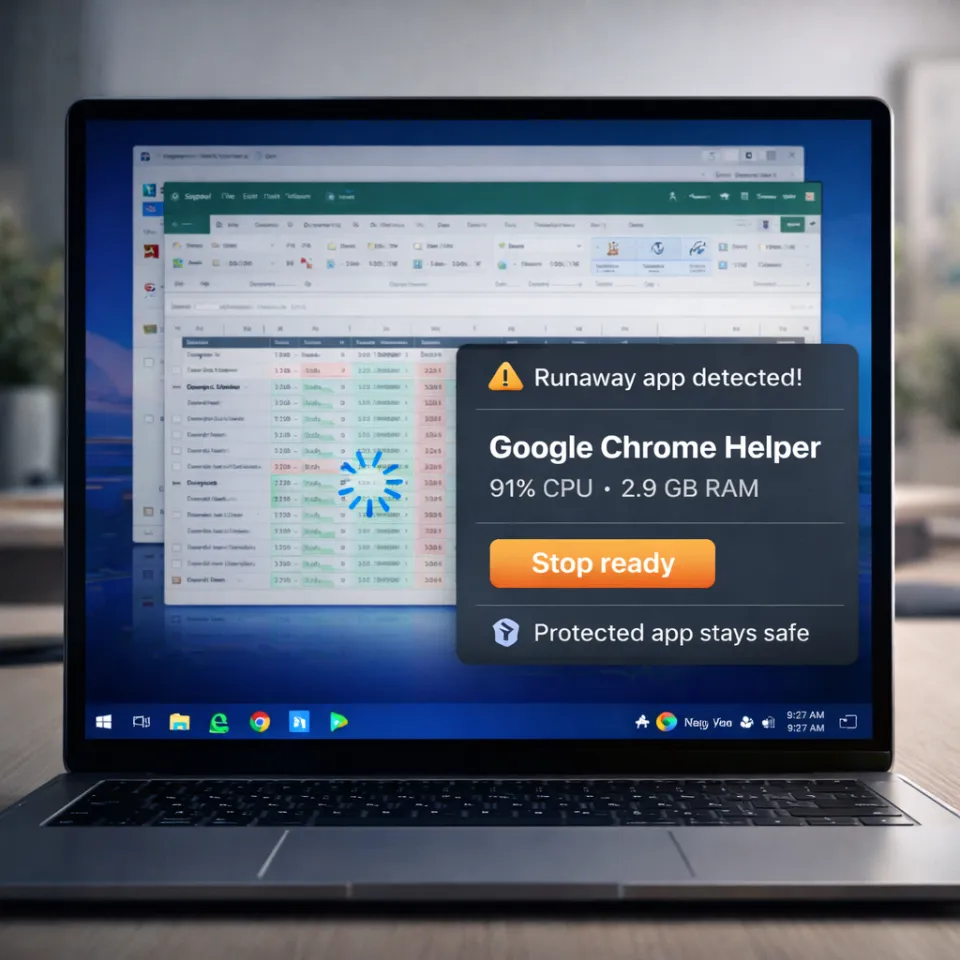
No guessing
Never Spin finds the cause even when it has a confusing name or no familiar icon.
Keep working
Documents, calls, browser tabs, and the apps you are using remain protected while Never Spin handles the slowdown.
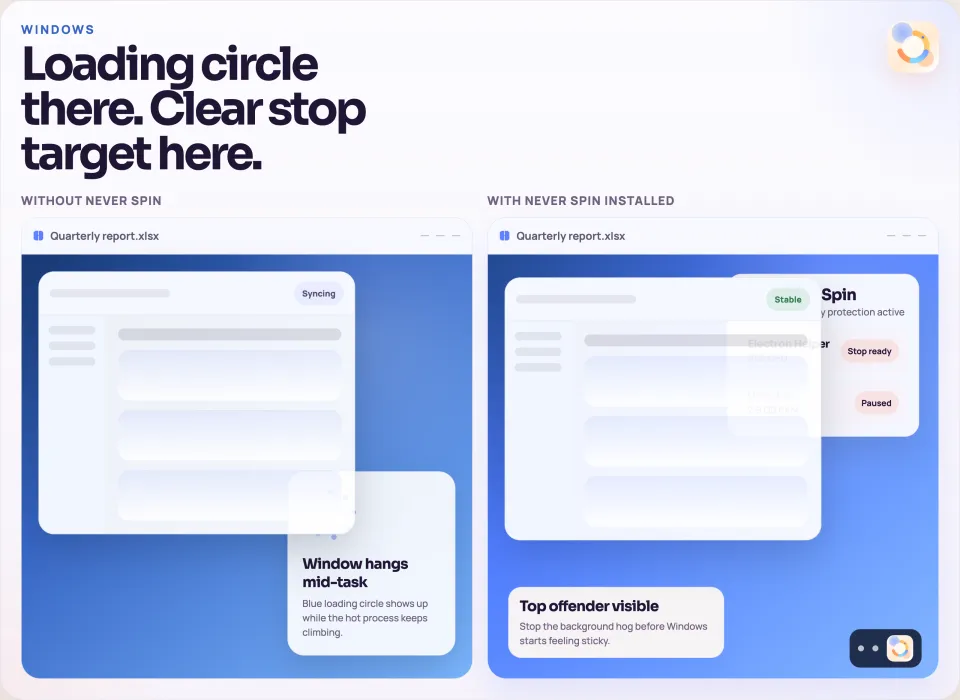
Feel the difference
Never Spin waits until the slowdown is real, then handles only what is safe to stop.
Made for everyday laptop frustration
Recurring background CPU or memory overload is a good fit. Never Spin does not fix low storage, internet problems, malware, or failing hardware.
Start with Personal
ASIA50 is already attached. After payment, choose the Windows download.
Start with the free CPU check to see whether Never Spin fits your problem.
Fix the right problem
Some background activity is useful. Diagnose sustained CPU or memory pressure first, then change only what is causing the slowdown.
Use duration and app state to choose a safe next step.
Start CPU check Free checkCalculate pressure without guessing from one percentage.
Start memory check ComparisonChoose advanced rules or simpler automatic protection.
Compare options